support@kartelinfotech.in 8882662455 | 7678188970
Kartel Infotech
Get Demo
Home Busy Addon Active / Inactive Party Report
BUSY ADDON DETAILS

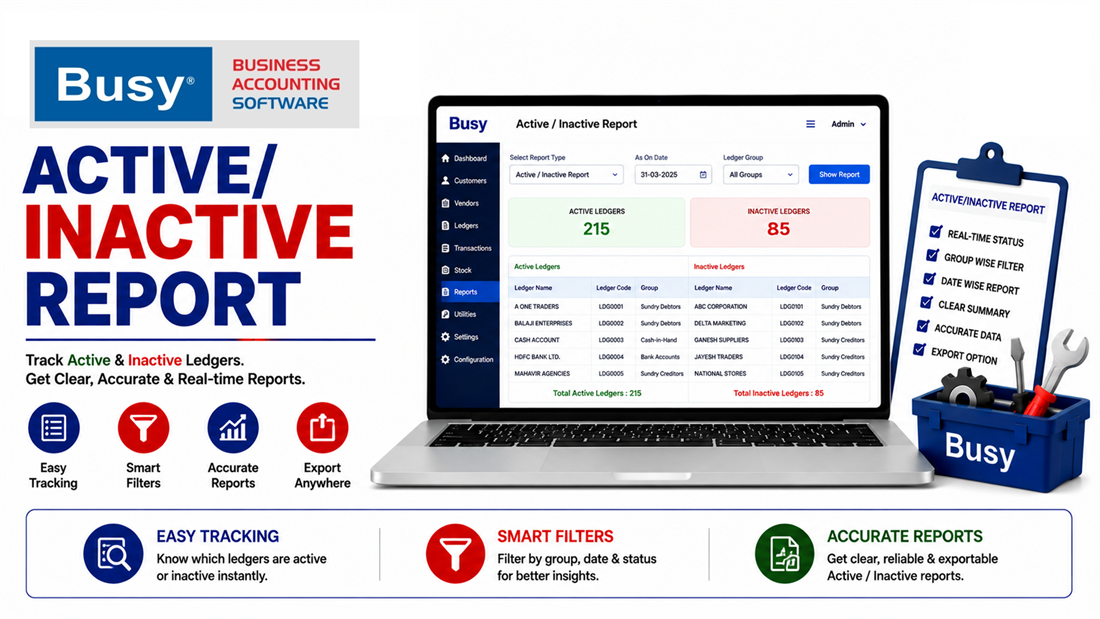
Active / Inactive Party Report

Track party activity and ageing with categorized customer reports and flexible filters. Improve receivable management with active/inactive customer classification and as-on-date analysis.

  • Ageing Analysis (0–60 Days, 61–150 Days,151–180 Days,181+ Days)
  • Active, Very Active Inactive Status
  • Multiple-Filters-Single Party -group - All parties
  • As On Date Analysis
Active / Inactive Party Report

About This Solution

BUSY ACCOUNTING SOFTWARE CUSTOMIZATION

Active / Inactive Party Report

Analyze party activity, outstanding ageing and customer status with a customized report built for faster receivable management and better follow-up decisions.

Get a Quote

Know Which Parties Need Your Attention

Get a clear view of party activity and outstanding ageing from an as-on-date perspective. Categorize customers by activity status and quickly identify parties that require follow-up.

01

Ageing Analysis

Categorize outstanding amounts into 0–60, 61–150, 151–180 and 181+ days.

02

Party Status

Classify parties into Active, Very Active and Inactive categories for easier monitoring.

03

Flexible Filters

Filter reports for a single party, party group or all parties as required.

04

As-On-Date Analysis

Analyze party status and ageing based on a selected as-on date.

Ageing That Makes Follow-Up Easier

Quickly understand how long outstanding amounts have remained pending.

Ageing Category Purpose Management Focus
0–60 Days Recent outstanding Regular follow-up
61–150 Days Older outstanding Priority monitoring
151–180 Days Long-pending amounts Focused recovery
181+ Days Highly aged outstanding Immediate attention

Find the Right Party — Instantly

Single Party

Analyze the activity and ageing position of a specific customer.

Party Group

Review multiple parties belonging to a selected group or category.

All Parties

Get a consolidated view of party activity and ageing across the business.

Active. Very Active. Inactive.

A categorized party view helps your team quickly understand customer activity and prioritize follow-ups.

  • Very Active: Identify highly active customer accounts.
  • Active: Monitor regularly transacting parties.
  • Inactive: Identify parties with limited or no recent activity.

Flexible Report Controls

Filter Report View
Party Single customer analysis
Party Group Group-wise analysis
All Parties Complete party analysis
As-On Date Historical / selected-date analysis
Activity Status Active / Very Active / Inactive

Better Receivable Control

Quickly identify ageing and activity patterns across parties.

Focused Follow-Up

Prioritize customers based on activity and outstanding ageing.

Faster Analysis

Use flexible party and date filters to reach the required information faster.

Customized Reporting

Structure the report around your specific receivable management requirements.

Make Party Analysis More Powerful

Get an Active / Inactive Party Report customized around your ageing, party classification, filters and as-on-date reporting requirements.

Get a Quote

Key Features

  • Ageing Analysis (0–60 Days, 61–150 Days,151–180 Days,181+ Days)
  • Active, Very Active Inactive Status
  • Multiple-Filters-Single Party -group - All parties
  • As On Date Analysis
  • Outstanding Tracking
  • Business-Specific Customization
Support